




















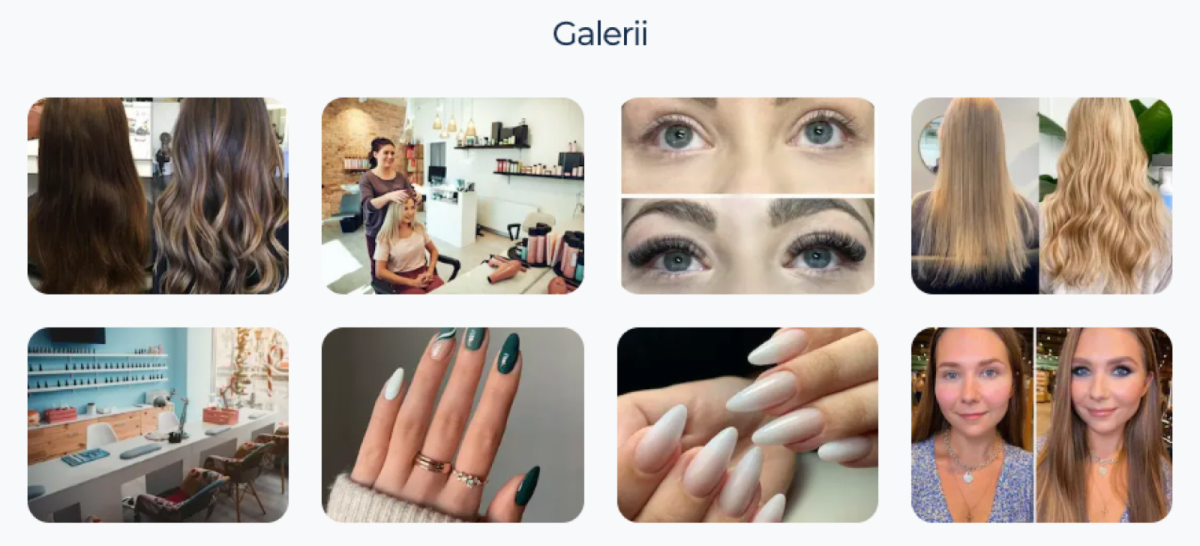
You can add your portfolio to your SalonLife.com marketplace profile page from Apps → Salonlife.com → Gallery
Photos added to your portfolio appear on your salon’s SalonLife.com profile page in the “Gallery” section, right after the beauty professionals block, i.e. “Ready to serve you” (see image).
❓Which photos can you add to your Portfolio?
- Photos of finished beauty-service work.
- Photos of your staff and salon.
- There’s no limit on the total number of photos.
- The photo file can be up to 5 MB.
- The photo file’s dimensions must be at least 800x600.
- The photo must be your own, high quality, well lit, and reflect as realistic a result as possible.
The SalonLife team reserves the right to remove photos that are inappropriate, indecent, misleading, or otherwise don’t belong on the platform.
How do you reorder photos?
- Grab the photo you want to move with your mouse or finger.
- Drag it to the position you want in the gallery.
How do you remove photos?
- Click the photo you want to remove.
- In the preview that opens, click the "Delete photo" button.
- Confirm the deletion.
Other tips:
- If you’d like to add a caption to your photos (for example, which service’s result the photo shows), then:
- Click the photo in your portfolio that you want to add a caption to.
- In the preview that opens, add a caption in the box below the photo
- To add a caption in another language, click the 🇪🇪 flag icon, switch the language, and add the translated caption.