




Great question! First, check whether your salon has already filled out the Ilukaart acceptance application.
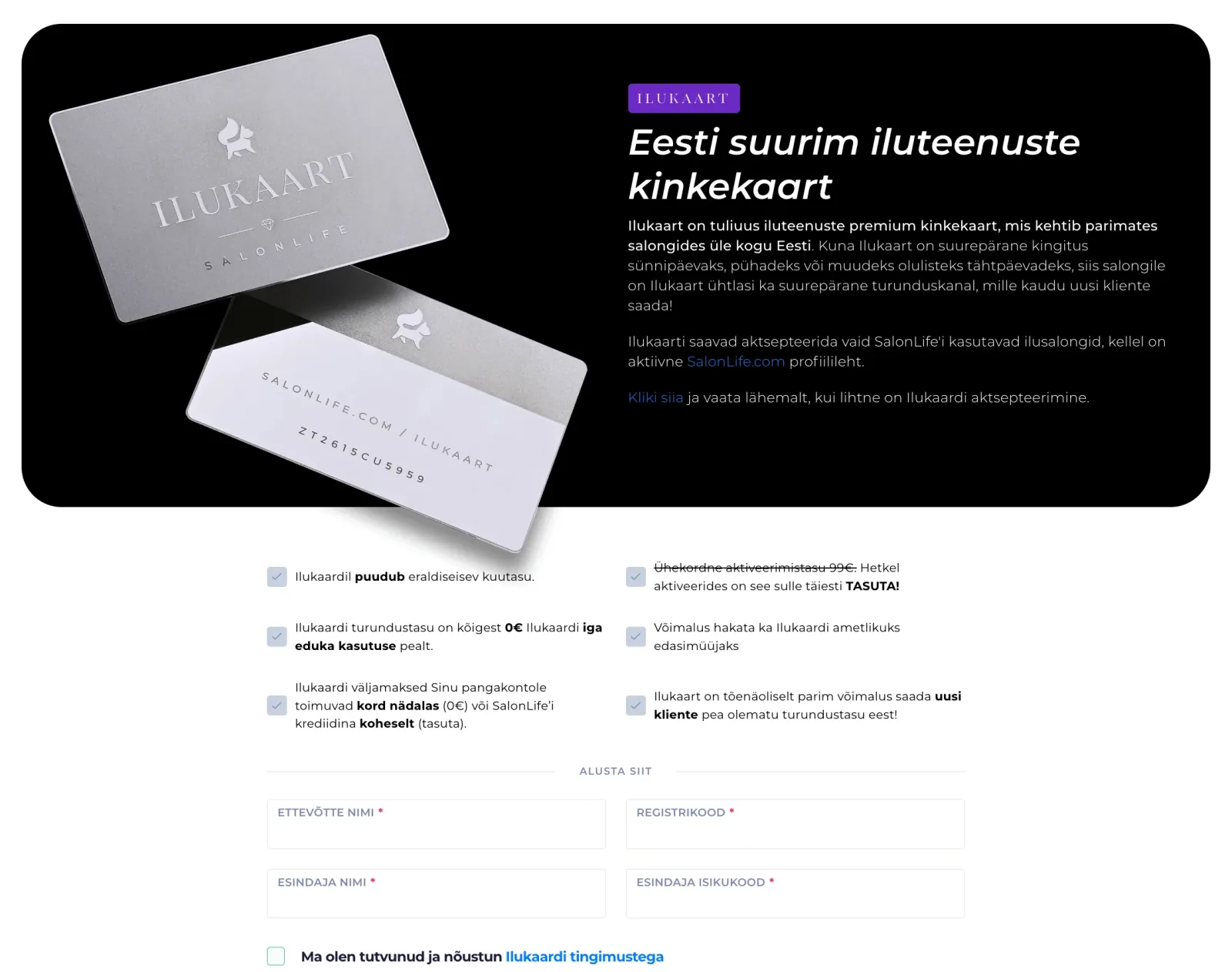
If not, you can fill out the Ilukaart acceptance application first. You’ll find it HERE. If yes, you can move straight on to the guide below. 👇
If a client books an appointment at your salon and wants to pay for their service with Ilukaart, follow these steps:
- Jump for joy — Ilukaart just brought you a great new client! 🎉
- Log in to your SalonLife account.
- Go to the Calendar page.
- Click the relevant booking.
- In the booking overview, mark Ilukaart as the payment method.
- Scan the QR code from the client’s Ilukaart with your phone or device, or enter the gift card’s unique code manually, then click the magnifying glass icon.
- If there’s enough balance on the gift card to cover the booking in full, the system deducts the entire booking amount from it. If the balance isn’t enough to cover the full amount, the system shows how much it managed to deduct from the card, and the client can pay you the remainder using another preferred method (e.g. cash or card).
- Done!
All accepted Ilukaart transactions, reports, and invoices can be found in SalonLife under Apps and Ilukaart.ee.
If you have any further questions, feel free to reach out to the SalonLife team.